Display Ecosystem
Central repository for precision monitor configurations, firmware workflows, and calibration guides. Organized by display model.
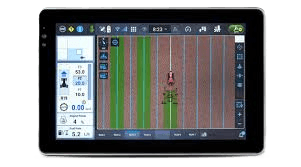

John Deere
2 guidesUploading Prescription Files to the John Deere 2630
The John Deere GreenStar 3 (GS3) 2630 is a high-performance precision farming display capable of executing map-based prescriptions for variable-rate a...
Downloading and Exporting Data from the John Deere 2630
The John Deere GreenStar 3 2630 display records critical field data including as-applied maps, yield data, and coverage information. This data is stor...
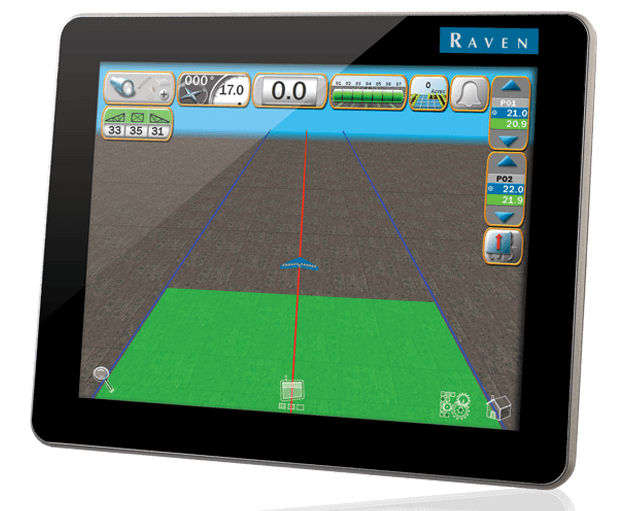
Raven Industries
9 guidesImporting Boundaries and Guidance Lines via ISO XML for the Raven Viper 4+
The Raven Viper 4+ uses the industry-standard ISO XML format to organize and import spatial data. By using a TASKDATA folder structure, you can transf...
Uploading Prescription Files to the Raven Viper 4+
The Raven Viper 4+ utilizes the Raven Operating Software (ROS) to manage variable rate application (VRA) through imported prescription files. This pro...
Creating Product Configurations on the Raven Viper 4+
Product configurations on the Raven Viper 4+ allow operators to pre-define application parameters for specific products or tank mixes. This system sav...
Creating a Job on the Raven Viper 4+
The Raven Viper 4+ uses a structured workflow to initiate field operations, ensuring all data is accurately recorded under the correct organizational ...
Closing an Active Job on the Raven Viper 4+
Properly closing a job on the Raven Viper 4+ is critical for ensuring that all applied data, coverage maps, and field records are compiled into a fina...
Downloading As-Applied Data from the Raven Viper 4+
The Raven Viper 4+ records precise vehicle location and application data during field operations to create as-applied maps and job reports. This data ...
Seeder Tank Assignment and Product Setup for the Raven Viper 4+
For seeder operators, properly defining tank assignments and product configurations is essential for accurate multi-product application. The Raven Vip...
Managing Bin Chaining for Multi-Tank Seeder Operations
Bin chaining is a specialized feature for seeder operators using air carts with multiple tanks containing the same product. This guide explains how to...
Guidance and Task Initiation for Seeder Operators on the Viper 4+
For seeder operators, accurate guidance and proper job initialization are critical for maintaining uniform row spacing and preventing overlaps. This g...